
.webp)
Why RMA software decides aftersales performance
RMA software, also called return merchandise authorization software, is the operating system for returns and warranty cases. A platform that routes correctly, asks for the right evidence at intake, and feeds analytics back to product teams turns a cost centre into a controlled process. A platform that does not add delay at every step.
This guide ranks 9 RMA platforms across use cases (B2C ecommerce, B2B distribution, electronics, furniture, repair-heavy categories), with feature comparison, pricing patterns, and a fit summary per buyer profile. The what is return merchandise authorization primer covers the definition, and AI RMA automation covers the AI layer.
Quick comparison: 9 RMA platforms at a glance
Why trust this guide
This guide is built from publicly available product documentation, the brands listed on each vendor's customer page, G2 and Capterra reviews, and the buying patterns observed across Claimlane's own evaluations. Each profile includes a fit summary and the categories where the platform performs best. Where pricing is gated, the pricing pattern is described instead of a specific number. The best ecommerce customer service software and best returns software for ecommerce guides cover adjacent categories.
1. Claimlane
Why Claimlane is the warranty-and-claims-aware RMA pick
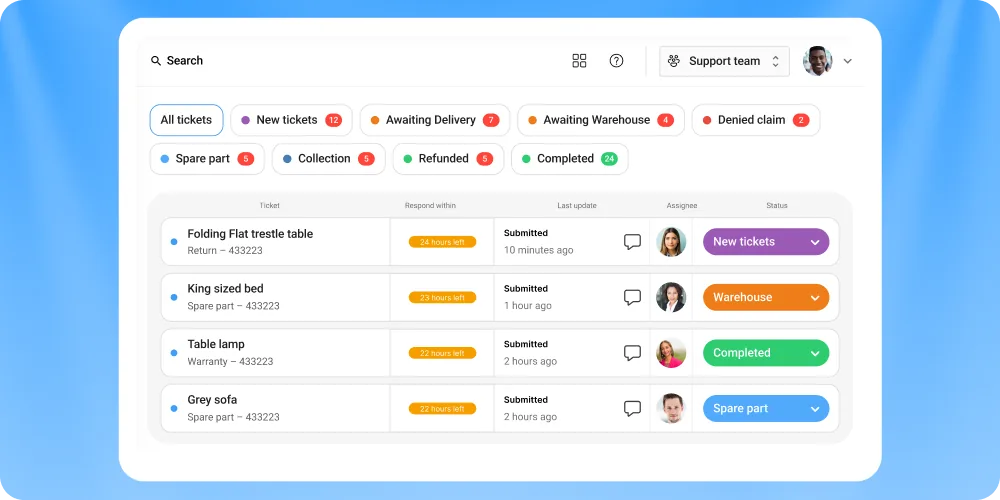
Claimlane runs returns, warranties, claims, repairs, replacements, and supplier handoff on one platform. The self-service portal validates serials at intake. The AI Agent reads images and applies warranty rules per SKU. The case routes automatically to refund, replace, repair, or supplier. Analytics close the loop back to product, supplier, and CX teams.
Claimlane's AI Agent, the first AI agent purpose-built for warranty claims and returns, is what separates the platform from returns-only tools. The agent ingests photos, videos, and serial data, then recommends the right lane in seconds. The claims management automate and AI warranty claims automation pieces cover the AI layer in depth.
Pros and cons
Features that matter
Self-service portal, AI image and video triage, repair workflow routing, supplier handoff, registration capture, B2B claim flow, claim-quality analytics, integrations to Shopify and major ERPs. The self-service portal, workflows, analytics, warranty registration, and forward-to-supplier product pages cover each layer.
Pricing
Platform-based with tiers by claim volume and integration depth. Starts in the mid-thousands per year for SMB brands. Replaces multiple point tools, so the comparison is total cost of aftersales, not per-return fees.
Product in action
MaxGaming resolves complex RMAs 77% faster on Claimlane with the AI Agent reviewing images and applying business rules. Black Diamond rebuilt warranty and repair workflows on Claimlane to handle high-volume gear cases. The zendesk vs claimlane difference piece covers the positioning vs CS-first tools.
2. Loop Returns
Fit
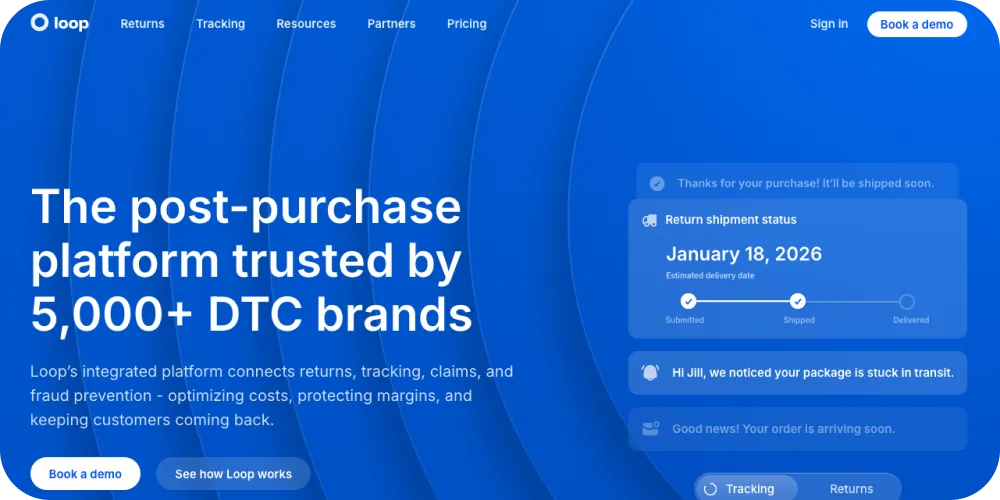
DTC Shopify brands in apparel, accessories, and beauty that prioritise exchanges over refunds. Loop's bonus credit and instant exchange mechanics are designed to keep revenue in the brand.
Pros and cons
Strong exchange UX and Shopify-native flow. Limited warranty depth and no repair routing. Less suited for B2B or repair-heavy categories. The best Loop Returns alternatives piece covers the swap-out reasons. The exchange first revenue retention piece covers the broader exchange-first model.
Pricing
Monthly platform fee plus per-return charges. Typically scales with order volume.
3. AfterShip Returns
Fit
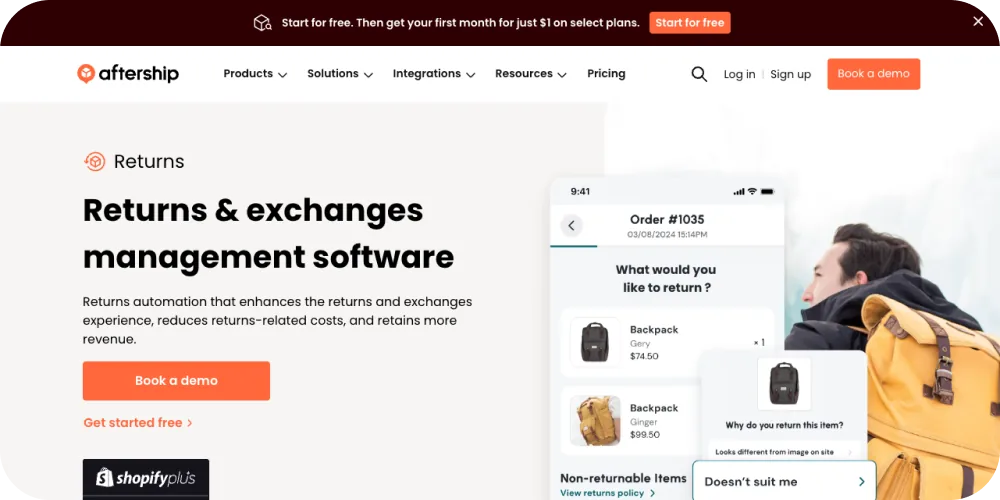
Retailers running high-volume returns who already use AfterShip Tracking. The returns module slots into the broader post-purchase suite.
Pros and cons
Wide carrier coverage and post-purchase tracking integration. Returns module lacks warranty depth and repair workflow. Best when returns are the primary case, not warranty. The AfterShip alternatives piece covers the alternative path. Brands evaluating tracking should look at best returns tracking platforms.
Pricing
Tiered SaaS with usage-based add-ons for carriers and integrations.
4. ReturnLogic
Fit
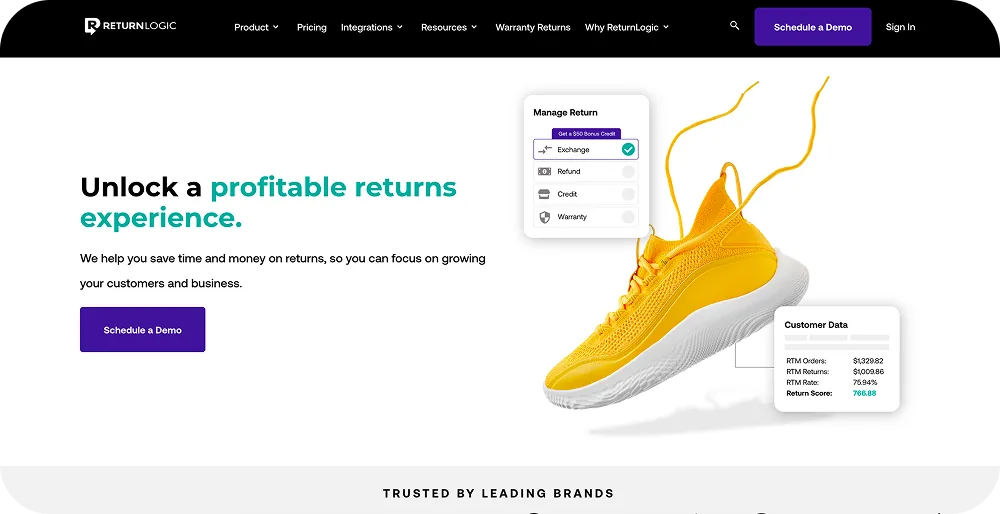
Shopify Plus brands with mid-complexity returns and a need for return policies that branch by SKU. Mostly DTC apparel and lifestyle.
Pros and cons
Flexible return rules and decent analytics. Light warranty layer. No repair routing or supplier recovery. The ReturnLogic alternatives piece covers the substitute set.
Pricing
Monthly platform fee with volume tiers.
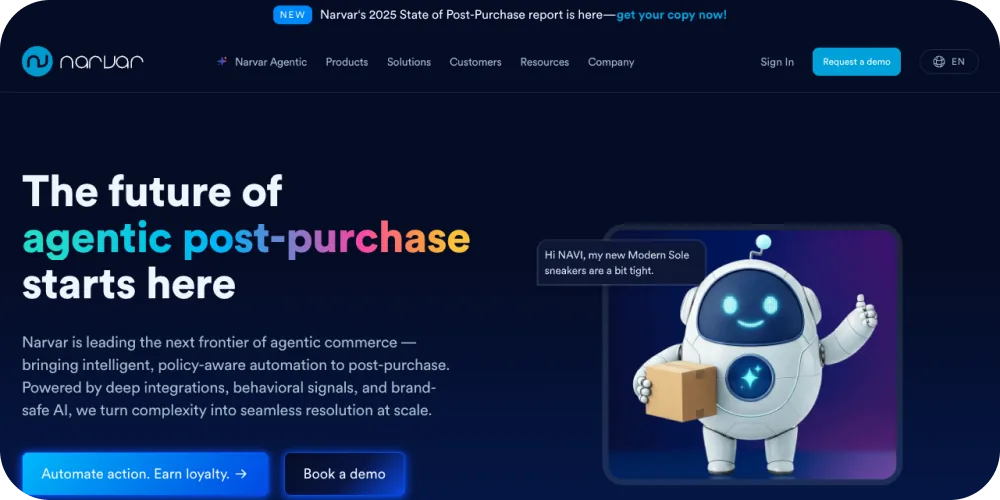
5. Narvar Returns
Fit
Large enterprise retailers with omnichannel returns. Strong in apparel and big-box retail.
Pros and cons
Return experience and brand-controlled post-purchase. Light on warranty. Repair routing tends to live with partners. The Narvar alternatives piece covers the alternative set. The omnichannel customer service platforms and omnichannel returns BORIS support pieces cover the broader omnichannel pattern.
Pricing
Enterprise contracts. Annual platform fee, usage-based add-ons.
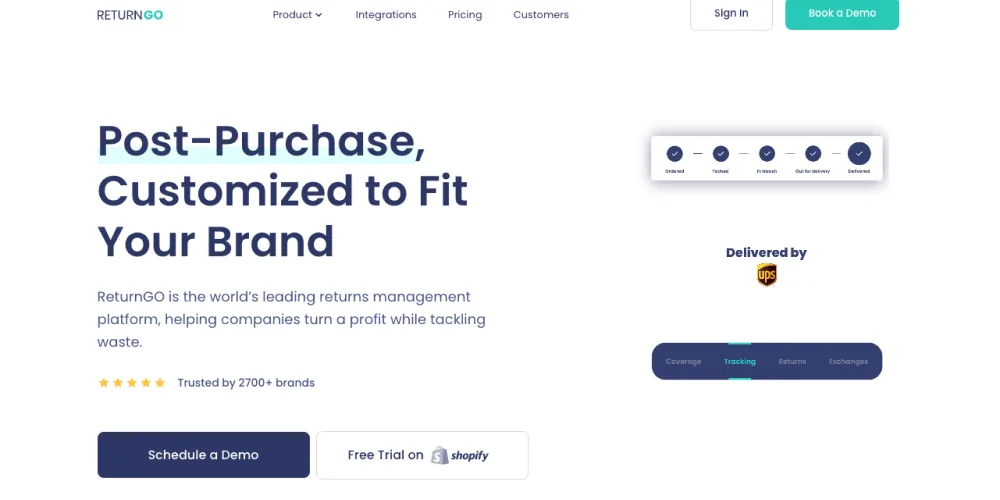
6. ReturnGo
Fit
Shopify brands looking for exchange and store-credit-first flows with AI-powered return recommendations.
Pros and cons
Good exchange UX and recommendation logic. Limited warranty and repair coverage. Less integration depth into ERP and CRM. The ReturnGo alternatives piece covers the substitute set. The store credit vs refund piece covers the credit decision.
Pricing
Monthly tiers based on return volume.
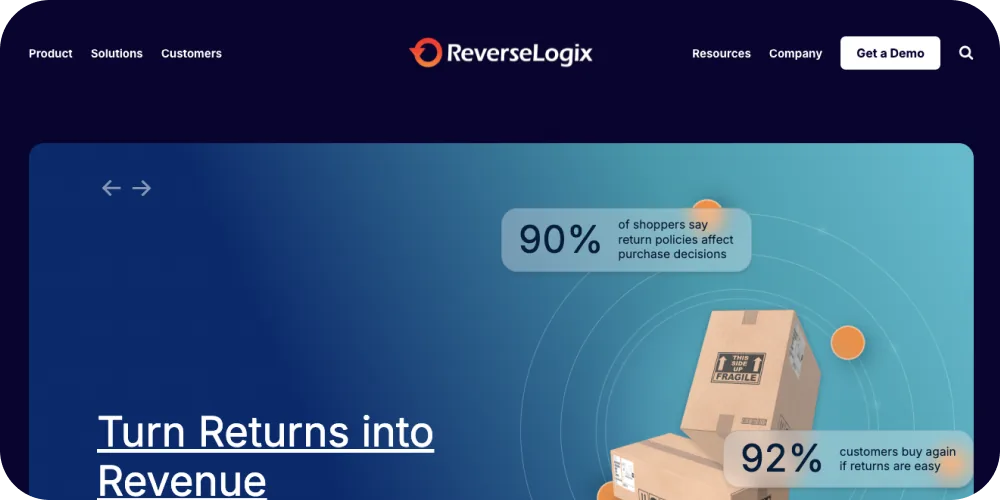
7. ReverseLogix
Fit
Enterprise reverse logistics across categories, including electronics, industrial, and big-box. Handles disposition, refurbishment, and resale alongside returns.
Pros and cons
Broad operational coverage. Warranty and repair sit in modules that cost extra. Implementation is heavier than ecommerce-first tools. The ReverseLogix alternatives piece covers the substitute path. The a guide the 5 Rs of reverse logistics piece covers the operational frame.
Pricing
Enterprise contracts. Annual platform fee with module add-ons.

8. Optoro
Fit
Large retailers focused on disposition, resale, and recommerce of returned goods. Strong in electronics and big-box.
Pros and cons
Top fit for disposition and resale routing. Light on case-level warranty management and repair routing. The Optoro alternatives returns warranty piece covers the substitute path. The recommerce in 2026 piece covers the broader resale pattern.
Pricing
Enterprise contracts with revenue-share or platform fee.

9. Newmine
Fit
Enterprise retailers and brands looking for returns analytics, root-cause analysis, and product quality feedback to merchandising.
Pros and cons
Strong analytics layer. Returns workflow is lighter, and the platform leans on integration with adjacent RMA systems. The Newmine alternatives returns aftersales operations piece covers the substitute set.
Pricing
Enterprise contracts. Module-based.
How to choose RMA software
Four decisions drive the right pick.
Decision 1: case mix
If the brand handles mostly refund and exchange returns, returns-first tools work. If warranty and repair sit at 20%+ of case volume, a warranty-aware platform pays back faster. The 4 pillars of a warranty claims software piece covers the warranty-side capabilities.
Decision 2: integration depth
The RMA system has to talk to the storefront, the ERP, the WMS, and the CS desk. Brands running Shopify plus Microsoft Dynamics need both connectors. The best Shopify tools and Dynamics 365 warranty management pieces cover the integration shape.
Decision 3: B2B vs B2C
Most RMA tools are B2C-first. Brands selling through retailers need explicit B2B flows. The B2B warranty claims and hybrid B2C B2B claims management pieces cover the dual-flow shape.
Decision 4: total cost of ownership
Per-return fees look cheap until they multiply. Platform fees look heavy until they cover the case from intake to supplier recovery. The hidden costs of returns and claims piece covers the cost shape.
RMA software and the broader aftersales stack
The RMA platform does not live alone. Brands run it next to a returns management system, an order management system, a CS desk, and the ERP. The what is a returns management system and returns management system Shopify pieces cover the RMS layer. The after-sales automation stack piece covers the connected setup. The audit your returns process piece covers the diagnostic.
Frequently asked questions
Conclusion
RMA software in 2026 splits into three categories. Returns-first tools cover Shopify exchanges and refunds. Warranty-and-claims-aware platforms cover defect, repair, and supplier recovery. Enterprise reverse logistics systems cover disposition and resale. The right pick depends on case mix, integration depth, B2B vs B2C, and total cost of ownership.
Claimlane sits at the top of the warranty-and-claims-aware category, with self-service portal, AI triage, repair routing, supplier handoff, and analytics on one platform. To see the live setup, book a demo or walk the interactive demo.



