
.webp)
Why customer portal software earns its place in 2026
A customer portal is the place a buyer lands when they want to do something without writing in. Check an order, request a return, file a warranty claim, look at past invoices, schedule a repair, download a manual. Brands without a portal force every one of those into the inbox or chat queue. Brands with a portal turn them into self-service flows.
This guide ranks 8 customer portal platforms, with a lens on claims, returns, and warranty submissions. The best ecommerce customer service software guide covers the agent-facing side. The best customer experience software for ecommerce guide covers the CX measurement layer. The customer service automation software platforms for modern support teams guide covers the broader automation set.
Comparison: 8 customer portal platforms
| Portal | Shape | Claims | Returns | Warranty | Brand UX |
|---|---|---|---|---|---|
| Claimlane | Claims and returns portal | ✔ | ✔ | ✔ | ✔ |
| Zendesk Help Center | Help-center portal | ○ | ○ | ○ | ○ |
| Salesforce Experience Cloud | Brand-experience portal | ○ | ○ | ○ | ✔ |
| Shopify customer accounts | Account-and-order portal | ✖ | ○ | ✖ | ○ |
| Gorgias self-service | Help-center portal | ○ | ○ | ✖ | ○ |
| Freshdesk Customer Portal | Help-center portal | ○ | ○ | ✖ | ○ |
| Intercom Help Center | Help-center portal | ○ | ○ | ✖ | ○ |
| Loop Returns portal | Returns portal | ✖ | ✔ | ✖ | ○ |
Why this list looks like it does
Most portal software is built around tickets and knowledge bases. Aftersales cases (claims, returns, warranty) need different primitives: serial validation, evidence rules, repair routing, supplier handoff, status visibility. Help-center portals can be extended to cover those flows, but the work is usually heavier than buying a portal built for them. The post-sales ticketing system piece covers the underlying ticket model. The customer service workflows for returns piece covers the workflow side.
1. Claimlane
Why Claimlane is the claims-and-returns-aware portal
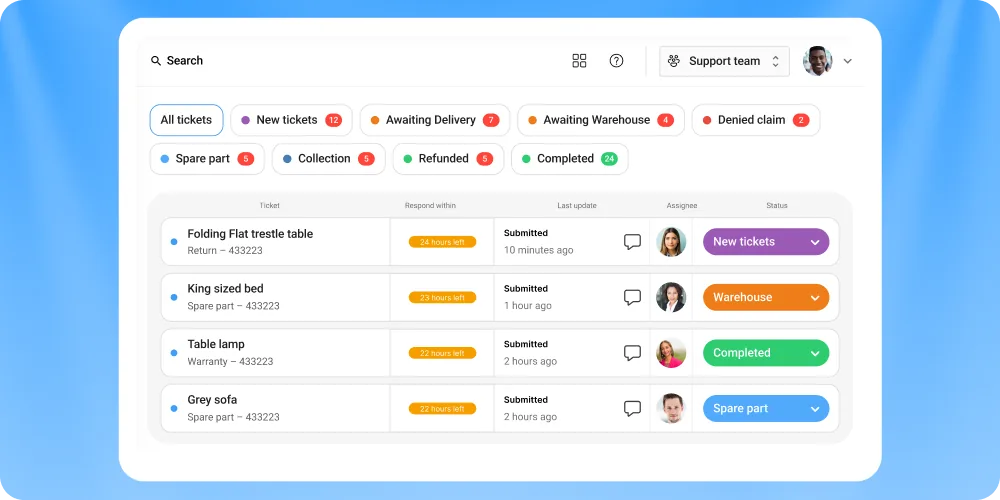
Claimlane's self-service portal is built around aftersales submissions. Customers enter a serial or order number, the platform validates against the product database, evidence rules adapt to the issue type, and the case routes automatically into the right lane. Status visibility, automatic status emails, and the option to upload extra evidence keep the customer informed without a CS touchpoint.
Claimlane's AI Agent, the first AI agent purpose-built for warranty claims and returns, reads images and video as the customer uploads them, classifies the issue, and recommends the right resolution. The how to build claims portal piece covers the technical pattern, and reduce customer effort claims and returns covers the UX side.
- Built around claims, returns, and warranty submissions, not ticket KB
- Serial validation at intake, with adaptive evidence rules per issue
- AI image and video triage as customers upload
- Status visibility and proactive notifications
- Brand-controlled UX, white-label, and multi-language
- Not a KB or community portal
- Best paired with a CS tool for non-claim contacts
- Implementation scales with claim flow complexity
Features
Self-service intake, serial validation, AI triage, adaptive evidence rules, status visibility, multi-language, brand-controlled UX, repair routing, B2B and B2C flows, and integration to Zendesk, Gorgias, Freshdesk, Intercom for the agent-side handoff. The best Zendesk integrations, Gorgias integrations ecommerce 2026, best Freshdesk integrations ecommerce, and Intercom integrations ecommerce pieces cover the connections.
Pricing
Platform fee with tiers by case volume.
Product in action
Luksusbaby, Konges Sløjd, Skechers, and MaxGaming run customer-facing claims portals on Claimlane.
LThe portal does the work the support team used to do by hand. Parents file a claim, the photo, the serial, the order details land together, and the case moves before the next morning email loop.— LUKSUSBABY · PREMIUM BABY RETAILER · case study

2. Zendesk Help Center
Fit
Brands using Zendesk as the primary CS desk who want a KB and self-service surface alongside agent ticketing.
Pros and cons
Strong KB authoring, multi-brand support, and tight ties to the Zendesk ticketing layer. Aftersales submission flows need customisation. Best paired with a claims-specific tool. The Zendesk alternatives and Zendesk RMA pieces cover the alternatives and the RMA gap.
Pricing
Part of Zendesk Suite plans.

3. Salesforce Experience Cloud
Fit
Large brands with existing Salesforce footprint who want a fully branded community-and-portal layer integrated with Service Cloud, Sales Cloud, and Commerce Cloud.
Pros and cons
Heavy customisation and identity management. Implementation is enterprise-scale. Claim and warranty workflows live in adjacent tools.
Pricing
Enterprise contracts. Per-user licensing.

4. Shopify customer accounts
Fit
Shopify-native DTC brands looking for the lightest portal layer: order history, addresses, basic profile management. The 2026 customer accounts iteration covers loyalty and subscription primitives.
Pros and cons
No cost, native to Shopify, low-friction. Claims, returns, and warranty submissions need third-party apps on top. The Shopify returns and Shopify return policies templates pieces cover the returns layer. The returns management system Shopify piece covers the broader RMS pattern.
Pricing
Included with Shopify plans.
5. Gorgias self-service
Fit
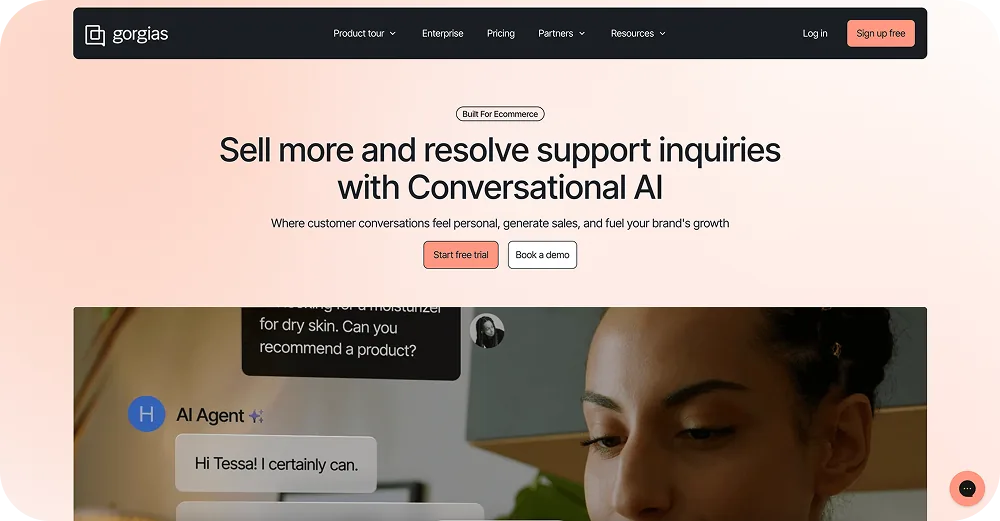
DTC ecommerce brands running Gorgias as their primary CS desk who want self-service deflection and a help-center surface.
Pros and cons
Good automation rules and macros. Light on aftersales-specific intake. The Gorgias alternatives and Gorgias integrations ecommerce 2026 pieces cover the broader market.
Pricing
Per-ticket pricing with platform fee.
6. Freshdesk Customer Portal
Fit
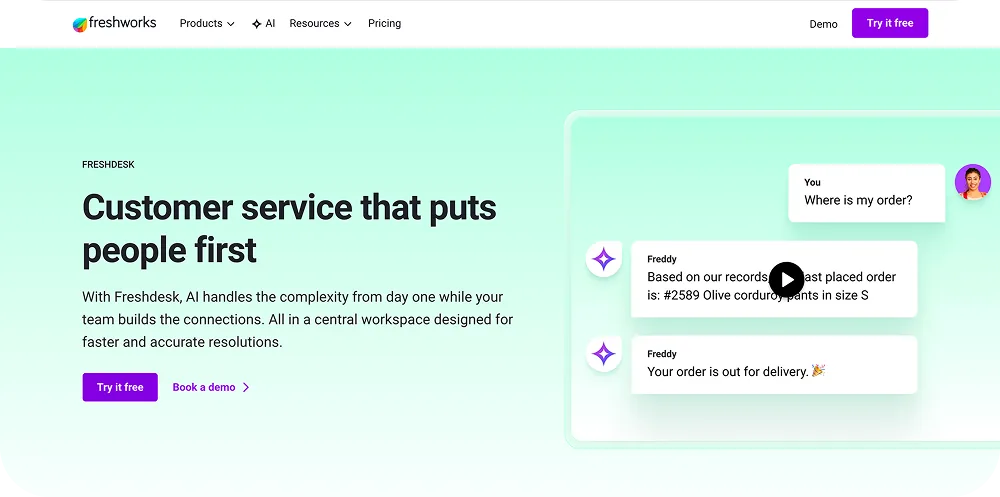
Brands using Freshdesk as the CS desk, often B2B-leaning, who want a portal surface aligned with the help desk.
Pros and cons
Decent KB authoring and ticket visibility. Aftersales submission flows need work. The best Freshdesk integrations ecommerce piece covers the connector set.
Pricing
Part of Freshdesk plans.
7. Intercom Help Center
Fit
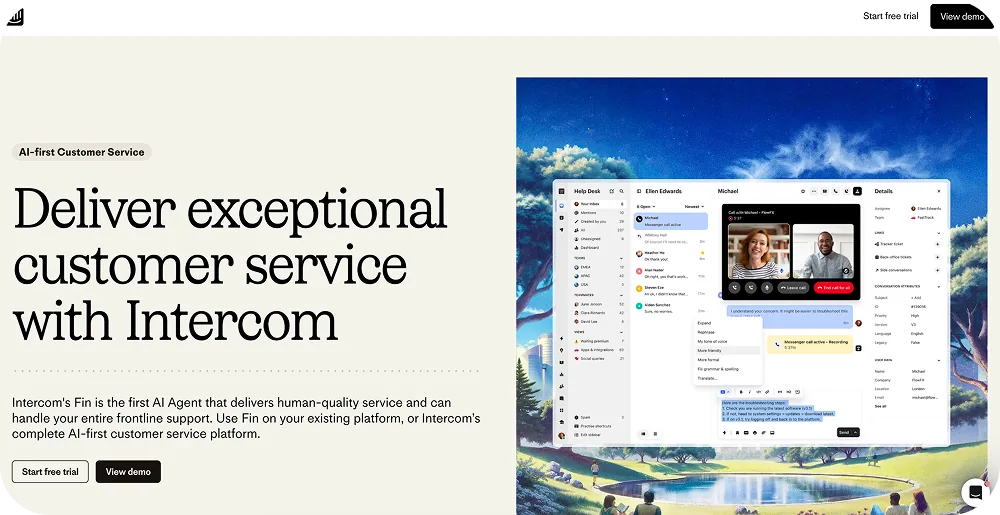
Brands using Intercom for in-app and chat-led CX, looking for a tied help-center and self-service portal.
Pros and cons
Strong chat-first UX and AI deflection. Light on form-driven aftersales intake. The Intercom integrations ecommerce and AI chatbots for ecommerce pieces cover the broader market.
Pricing
Intercom platform tiers.
8. Loop Returns portal
Fit
Shopify DTC apparel and lifestyle brands looking for a returns-specific portal. Exchange-first UX with bonus credit nudges.
Pros and cons
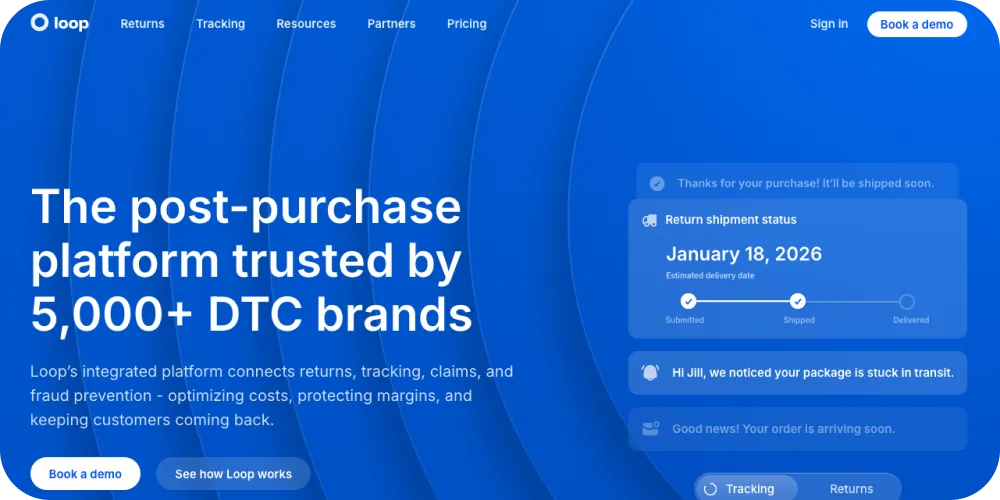
Top fit for Shopify return UX. No warranty, no repair routing, light on B2B. The Loop Returns alternatives piece covers the substitute set. The best returns software for ecommerce and efficient returns management system pieces cover the broader category.
Pricing
Monthly platform fee plus per-return charges.
How brands choose customer portal software
Four decisions narrow the field fast.
Decision 1: case type and volume
Brands handling mostly tickets and FAQ deflection should pick a help-center portal. Brands handling claims, returns, and warranty at volume should pick a portal built around those submissions. The 16 most frequent questions about Claimlane piece covers the threshold question.
Decision 2: brand UX
Portals that look like the CS desk's vendor undermine the brand. Look for white-label, custom domain, and brand-system support. The digital customer experience ecommerce piece covers the UX frame.
Decision 3: integration depth
The portal has to talk to the storefront, the RMS, the ERP, the CS desk, and the marketing stack. Brands picking on UI alone hit the integration wall later. The best ecommerce integrations and ecommerce technology stack complete guide pieces cover the stack shape.
Decision 4: aftersales workflow depth
If claims and returns are a meaningful share of inbound, the portal has to do more than collect a free-text request. Serial validation, evidence rules, status visibility, and routing matter more than KB depth. The customer service automation software platforms for modern support teams and contact center automation technologies benefits implementation pieces cover the automation set.
What good customer portal UX looks like in 2026
Five cues separate a working portal from a vendor-default one.
Cue 1: no login wall on the entry path
Return and claim submissions should be possible from an order number, not gated by a customer account. The reduce where is my order queries piece covers the order-status pattern.
Cue 2: status visibility
The customer should see where the case is at all times, without writing in. Status updates via email and in-portal are non-negotiable.
Cue 3: conditional fields
Forms that adapt to the issue type collect cleaner data without burning the customer's time. The customer expectations pyramid boosting loyalty piece covers the expectation frame.
Cue 4: brand-consistent UI
Fonts, colours, copy. Portal vendors who break the brand identity lose a share of the experience benefit.
Cue 5: action confirmation, not silence
Every action gets an acknowledgement. The notify customers returns process and customer service workflows for returns pieces cover the notification cadence.
Frequently asked questions
Conclusion
Customer portal software in 2026 splits across four shapes: help-center portals, account-and-order portals, claims and returns portals, and brand-experience portals. The right shape depends on the brand's inbound mix and the share of aftersales contacts. Brands handling claims, returns, and warranty at meaningful volume need a portal built around those submissions, not a KB module with a return form bolted on.
Claimlane runs the claims-and-returns-aware portal with serial validation, AI image triage, status visibility, and direct routing into the case team workflow. To see the live setup, book a demo or walk the interactive demo.



