
.webp)
What this list covers
Mailchimp ships with strong email automation on its own. The lift comes from what feeds the data in. Most ecommerce teams hit a wall the moment they want to segment by post-purchase behaviour, recover a return, or trigger a flow from a warranty event. The right ecommerce integrations close that gap.
This list ranks 11 Mailchimp integrations against one question: do they make your lifecycle emails more relevant to a real customer? Each section covers what the tool actually does, pricing, where it fits, and where it falls short.
- The best Mailchimp integrations feed it relevant data: orders, shipping events, reviews, support context, and post-purchase outcomes.
- For ecommerce brands, the highest-leverage feeds are commerce platform, customer service, and returns or warranty status.
- Use a comparison table to match the integration to the specific revenue or retention metric you care about.
- Brands using Claimlane push returns and warranty status into Mailchimp so lifecycle emails reflect what is actually happening after a purchase.
At-a-glance comparison
| Integration | Best for | Connects via | Starting price |
|---|---|---|---|
| Claimlane | Returns and warranty status into Mailchimp flows | Native API + webhooks | Custom |
| Shopify | Order and customer sync | Native | Free |
| WooCommerce | WordPress stores | Plugin | Free |
| ShipStation | Shipping event triggers | Native | $9.99/mo |
| Recharge | Subscription brands | Native | $99/mo |
| Yotpo | Reviews and loyalty data | Native | Free tier |
| Gorgias | Support context for emails | Native | $10/mo |
| Postscript | SMS plus email orchestration | Native | $25/mo |
| Smile.io | Loyalty programmes | Native | Free tier |
| Typeform | Surveys feeding segments | Native | Free tier |
| Zapier | Custom connections to anything | Native | Free tier |
Why trust this list
The people behind this list run aftersales operations for over 200 brands. That puts them in the data room where Mailchimp meets the actual customer journey: a return filed, a warranty registered, a replacement shipped. They pick integrations based on what moves real metrics, not what shows up in app store filters.
1. Claimlane: returns and warranty data into Mailchimp flows
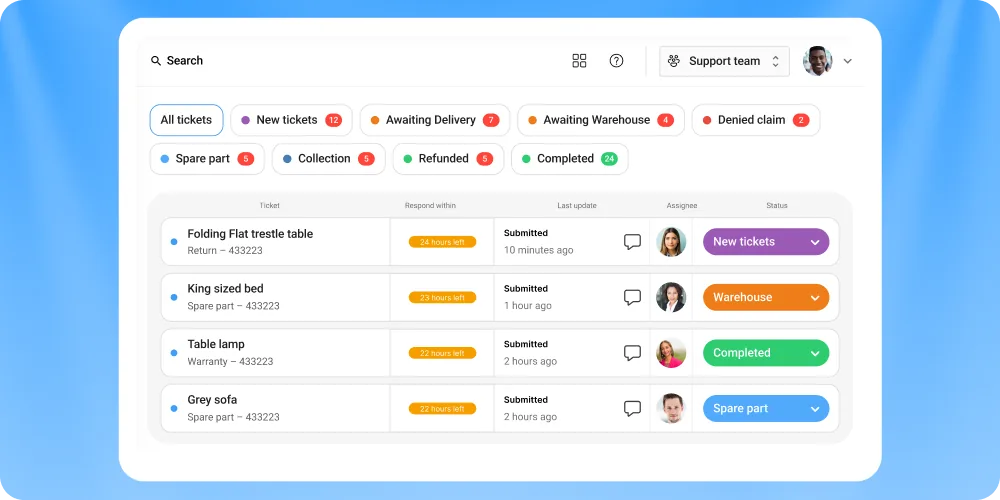
Mailchimp is good at sending emails. It is less good at knowing what the customer needs after they hit a problem with the product. Claimlane closes that gap by feeding Mailchimp the post-purchase events that matter, including return requests, warranty registrations, repair status, and resolutions.
The integration replaces three or four manual touchpoints with triggered flows. A customer files a warranty claim through the self-service portal, Claimlane updates Mailchimp with the case stage, and the right email goes out. No spreadsheet, no copy and paste, no missed update.
Why people choose Claimlane
Brands stop using a separate inbox for claim updates. The same data that runs the operation also runs the email, so the customer never gets a stale status or a generic apology that does not match what the agent is doing in the background.
Pros and cons
- Native API plus webhook support
- One source of truth for post-purchase events
- Supports B2B and B2C flows
- Built-in analytics feed segments back to Mailchimp
- Not aimed at brands with under 100 claims a month
- Setup is API-led, not drag-and-drop
Core features
Beyond Mailchimp, Claimlane handles warranty registration, supplier forwarding, and workflow automation for repair, replace, and refund decisions. It connects to over 75 systems via the integrations layer, including Shopify, WooCommerce, and ERP back ends.
Pricing
Custom, based on claim volume and integrations. Brands typically see payback inside the first quarter through agent time saved and faster supplier recovery, similar to GrejFreak's ROI experience.
Product in action
See how Black Diamond automated its warranty and repair workflows in this case study. For a live walkthrough of the portal and Mailchimp event feed, request the interactive demo.
"Before Claimlane, every claim took two emails, a spreadsheet, and a follow-up. Now the customer files it once and we know what to do."— Black Diamond, outdoor sporting goods

2. Shopify
Shopify is the most common Mailchimp pairing. The native connector syncs orders, customers, and product catalogues. That gives Mailchimp the basics for browse and cart abandonment, repeat purchase windows, and segments by spend.
Where it falls short
Shopify sync stops at order status. It does not push return requests, warranty registrations, or repair outcomes. Brands running Claimlane on top of Shopify returns fill that gap. For other Shopify-side tooling, see the best Shopify tools roundup.
3. WooCommerce
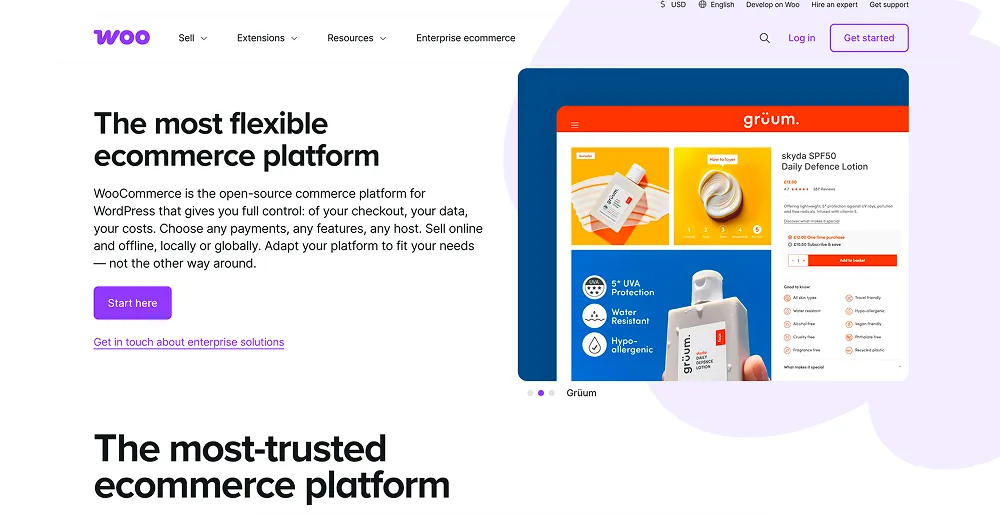
For WordPress-based stores, the WooCommerce add-on syncs the same commerce data Shopify does. Customers in segments by lifetime value, products bought, and time since last purchase.
It pairs well with returns automation tools that work with Woo back ends. Compare options in the best WooCommerce integrations guide.
4. ShipStation
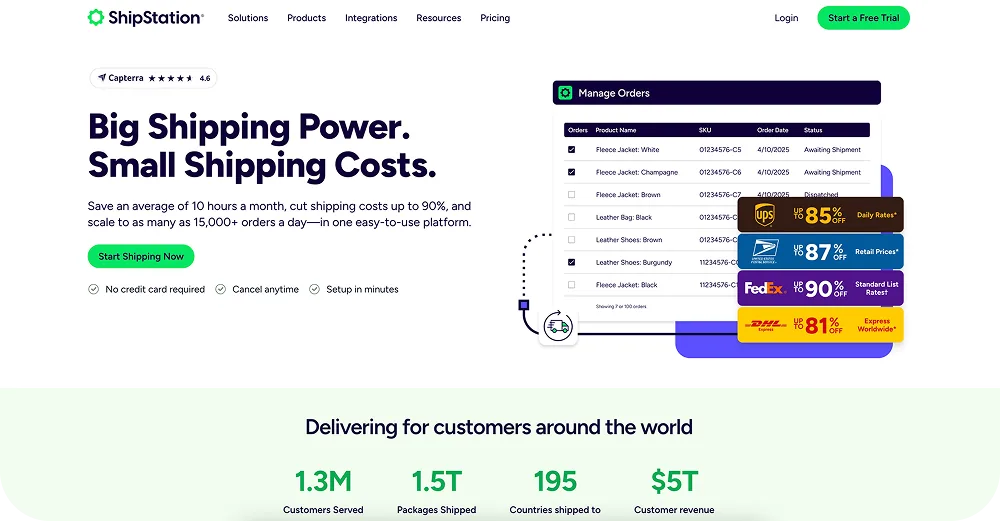
ShipStation pushes shipping events into Mailchimp. Brands use that to trigger delivery-day messages, in-transit updates, and post-delivery review requests. The richer signal moves where is my order queries out of the support inbox.
Pair it with automatic status emails so the customer hears about an exception before they ask.
5. Recharge
For subscription brands, Recharge is the spine. It feeds Mailchimp subscription stages: trial, active, paused, churned. Brands use that to win-back paused subscribers and warm churned ones.
The gap most teams miss is the link between a return and a subscription pause. Brands using both Recharge and Claimlane see when a return correlates with a pause, then trigger a win-back from Mailchimp with the right offer.
6. Yotpo
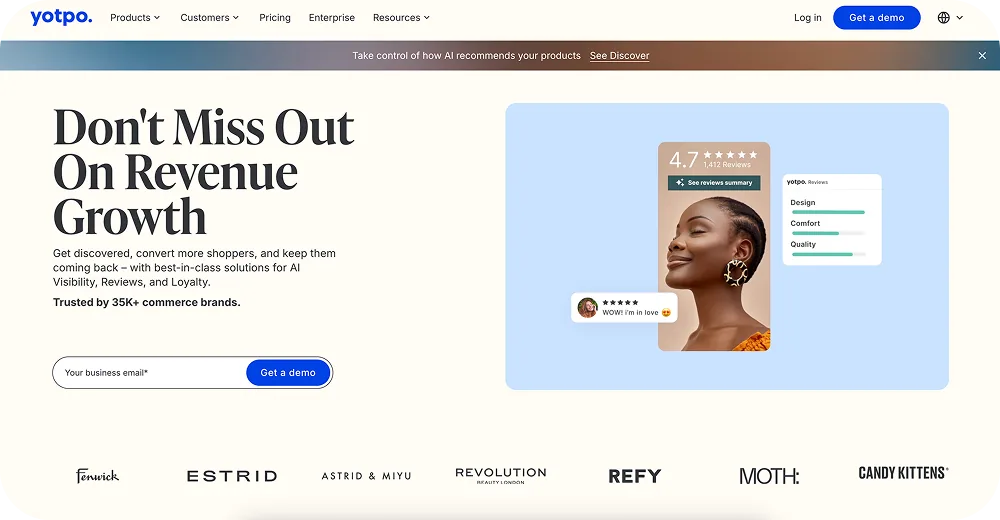
Yotpo pushes review scores and loyalty status into Mailchimp. Segments by reviewer become useful in two ways: ask happy reviewers for a referral, and ask unhappy reviewers to file a claim before they post a one-star review.
Review prompts perform better when the customer's last touchpoint was a positive resolution, which is why brands often time Yotpo prompts off a Claimlane case closure. See more on post-purchase experience and customer retention after returns.
7. Gorgias
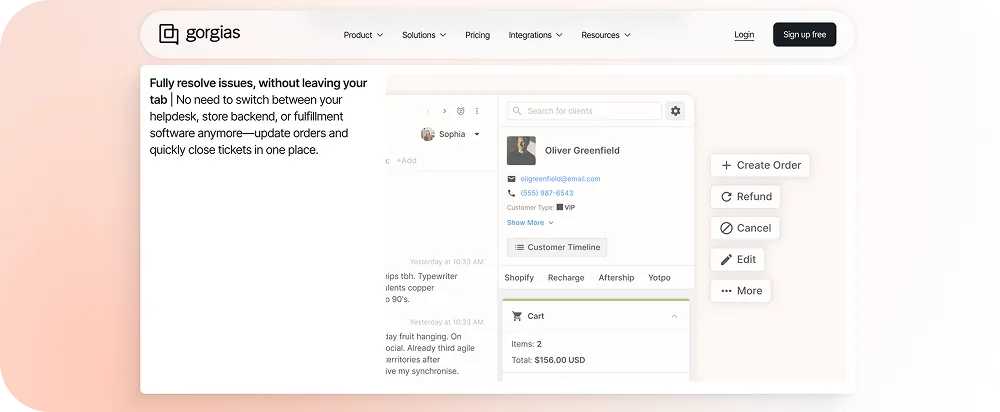
Gorgias gives Mailchimp the support context: tickets, sentiment, and resolution status. Brands use that to suppress promotional sends to customers in an open ticket, then resume after closure. Combined with returns-aware customer service workflows, Mailchimp stops sending tone-deaf upsells during a complaint.
If Gorgias is not the support tool, look at Gorgias alternatives and Gorgias integrations for context.
8. Postscript
Postscript is SMS, not email. The Mailchimp integration coordinates the two so customers stop getting hit on both channels with the same message. Use SMS for urgent updates like a delivery exception, Mailchimp for the longer-form nurture.

9. Smile.io
Smile.io feeds Mailchimp loyalty tier and points balance. Tier-based emails outperform generic blasts because the customer can see what they get next. Loyalty cohorts that also have positive return experiences re-purchase faster, which ties to customer lifetime value after returns.
10. Typeform
Typeform is the easiest way to feed survey answers into Mailchimp segments. Brands use it for post-purchase NPS, sizing feedback, and reasons for return. The data is only as useful as the action that follows. Pair it with returns reduction tactics so the survey actually changes something.
11. Zapier
When there is no native connector, Zapier covers the gap. Brands use it to push events from less common tools, including ERP systems and custom support inboxes. It is slower than a webhook and breaks more often, but it works for low-volume edge cases.
How to choose a Mailchimp integration
Three filters help most brands cut the list down fast.
1. Pick by metric, not feature
Decide what you are trying to move first. Open rate, repeat purchase rate, return rate, or customer lifetime value. Each metric maps to a different category of integration. Returns and warranty KPIs is a good starting frame.
2. Check the data direction
Some integrations push data into Mailchimp, some pull data out, and a few do both. Two-way sync matters when you want to use Mailchimp engagement scores in another tool, like the support helpdesk.
3. Plan for the post-purchase window
Most ecommerce brands over-invest in pre-purchase email and under-invest in post-purchase. The window between order and either a repeat purchase or a return is where retention is won or lost. See post-purchase behaviour patterns for the data.
Frequently asked questions
Conclusion
Mailchimp's open and click rates only move when the data inside is current. The integrations above are the highest-leverage feeds in 2026 for ecommerce brands that want emails to match what the customer actually experienced. The returns and warranty layer is the one most teams skip, and it is the one that costs the most when a refund-pending customer gets a 20% off email instead of a status update.
To see how Claimlane feeds Mailchimp with returns and warranty events, book a demo.
"We saw ROI inside the first month. The team stopped chasing status emails and started closing cases."— GrejFreak, outdoor and sporting goods retailer



