
.webp)
HubSpot started as a marketing tool and grew into a full CRM platform. For ecommerce brands, it's a powerful hub for managing customer relationships, running email campaigns, tracking deals, and managing support tickets through Service Hub. But ecommerce has moving parts that HubSpot doesn't handle natively: inventory, shipping, returns, warranty claims, and product data.
That's where integrations come in. The right HubSpot integrations turn a CRM into an ecommerce command center. This guide covers the best options in 2026, organized by what they solve.
Why HubSpot Needs Integrations for Ecommerce
HubSpot's CRM tracks contacts, companies, deals, and tickets. It runs email sequences, builds landing pages, and scores leads. What it doesn't do natively:
- Manage product inventory
- Process orders and fulfillment
- Handle return requests or warranty claims
- Track shipments
- Manage supplier relationships
For ecommerce brands, these gaps mean HubSpot is only seeing part of the customer picture. A customer might be a high-value contact in the CRM but also have three open warranty claims that nobody in marketing knows about. Without integrations, those data silos create blind spots.
Ecommerce Platform Integrations
Connecting HubSpot to the ecommerce platform is the foundation. Everything else builds on it.

Shopify
The most popular ecommerce-HubSpot integration.
HubSpot's native Shopify integration syncs customers, orders, products, and abandoned carts between platforms. This creates a unified view where marketing, sales, and support teams all see the same customer data.
What syncs:
- Customer profiles with purchase history
- Order data (items, totals, dates)
- Abandoned cart events
- Product catalog
Why it matters: Marketing teams can segment audiences by purchase behavior. "Customers who bought running shoes in the last 90 days" becomes a targetable list. Abandoned cart recovery emails can include the actual products left behind.
For brands using Shopify's newer sales channels like Agentic Storefronts, having this data flow into HubSpot ensures that customers acquired through AI shopping channels are tracked the same way as website customers.
WooCommerce
WooCommerce connects to HubSpot through several marketplace integrations. The data flow is similar to Shopify: customer profiles, order history, and product data sync to HubSpot. For WordPress-based ecommerce stores, this integration is essential for running any kind of data-driven marketing.
BigCommerce
BigCommerce's HubSpot integration supports customer and order syncing for mid-market brands. It's particularly useful for B2B ecommerce operations that use HubSpot for lead management alongside BigCommerce for storefront operations.
Returns and Warranty Management Integrations
Post-purchase operations generate valuable customer data, but most CRMs don't capture it. Returns, warranty claims, and repair requests all tell a story about product quality, customer satisfaction, and retention risk.
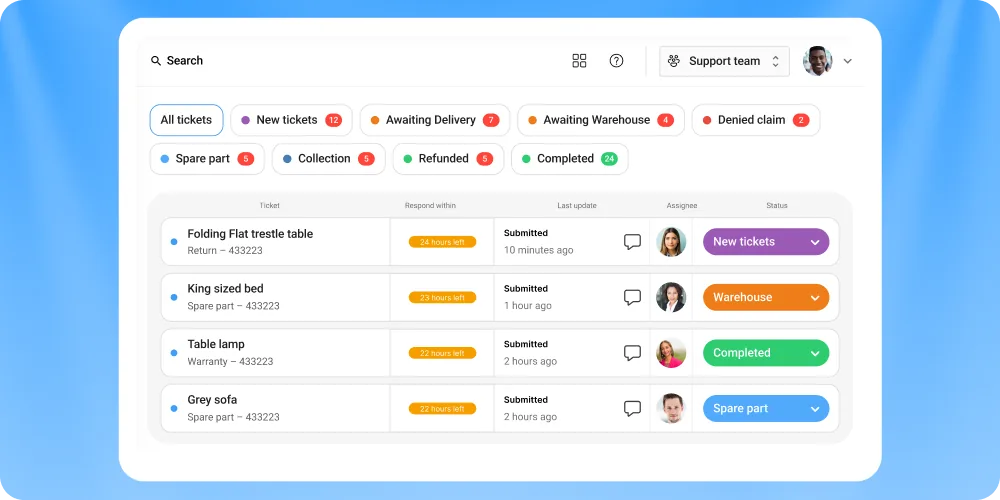
Claimlane
Best for: Warranty claims, returns, and repair management
Claimlane is a warranty and returns management platform that handles the entire after-sales workflow: claims intake, image-based defect assessment, resolution routing, supplier forwarding, and analytics.
Why it matters for HubSpot users:
- Customer lifecycle data. When a customer files a warranty claim, that data should influence how marketing and support interact with them. A customer with an open claim shouldn't receive a promotional email asking them to buy more. Connecting Claimlane to HubSpot via integrations ensures claims data feeds the CRM.
- AI Agent, the first AI agent purpose-built for warranty claims and returns. It analyzes product images and videos, applies warranty rules per product and supplier, and auto-approves resolutions. This reduces the ticket load that would otherwise flow through HubSpot Service Hub.
- Self-service portal that captures structured claims data (photos, serial numbers, order details) upfront, reducing back-and-forth.
- Analytics on defect rates, supplier performance, and resolution times that complement HubSpot's marketing and sales metrics.
MaxGaming resolved complex RMA cases 77% faster using Claimlane's AI agents. Davidsen went from 5 agents to 1-2 agents handling claims. GrejFreak achieved ROI almost immediately.
For brands tracking customer experience metrics in HubSpot, adding claims and returns data gives a complete picture of the post-purchase journey.
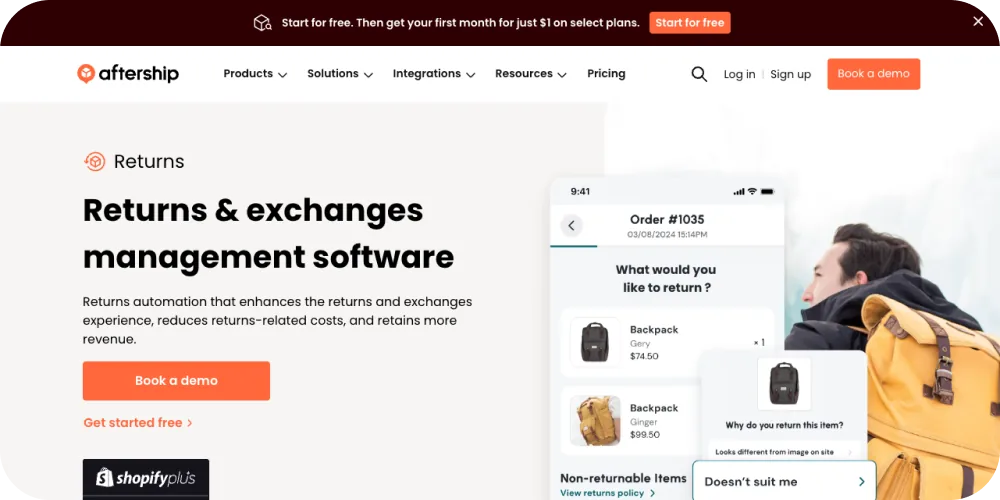
AfterShip Returns
AfterShip's returns tool manages return requests, labels, and refund tracking. Connecting it to HubSpot means return events appear in the customer timeline, giving support and marketing teams visibility into return activity.
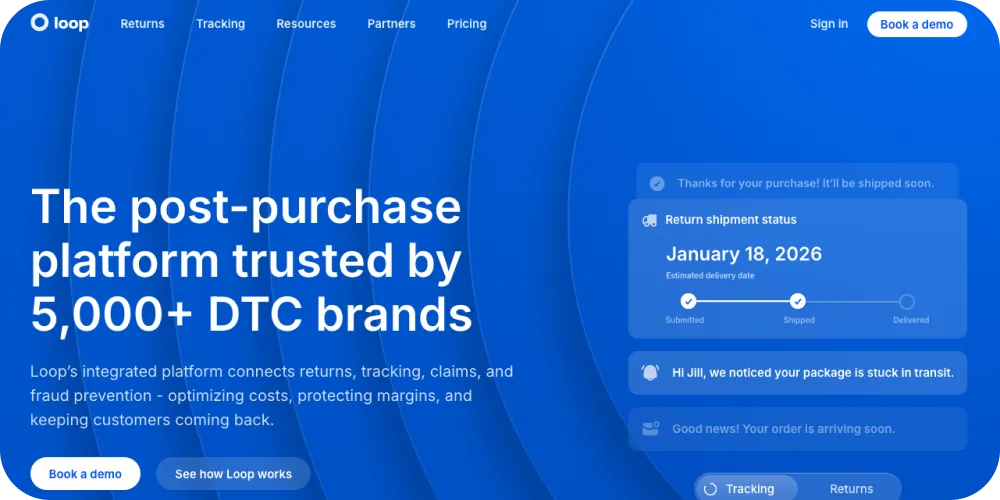
Loop Returns
Loop focuses on Shopify return automation with exchange incentives. For brands already using both HubSpot and Shopify, Loop adds return-specific data to the customer picture. Limited warranty support compared to Claimlane.
Marketing Automation Integrations
Klaviyo
Klaviyo is the dominant email marketing platform for ecommerce. While HubSpot has its own email tools, many ecommerce brands run Klaviyo for transactional and lifecycle emails alongside HubSpot for CRM and sales.
The integration syncs contact data between platforms so that marketing segments in Klaviyo reflect CRM data from HubSpot (deal stage, lifecycle stage, lead score). Brands get the best of both worlds: Klaviyo's ecommerce-specific email features and HubSpot's CRM intelligence.
Mailchimp
For smaller ecommerce operations, Mailchimp offers a simpler email marketing integration with HubSpot. Contact and list syncing keeps both platforms aligned without the complexity of managing two full marketing stacks.
Privy
Privy specializes in popups, banners, and onsite conversion tools. The HubSpot integration sends captured leads directly into HubSpot for nurture sequences. Useful for brands focused on growing their email list from website traffic.
Shipping and Fulfillment Integrations
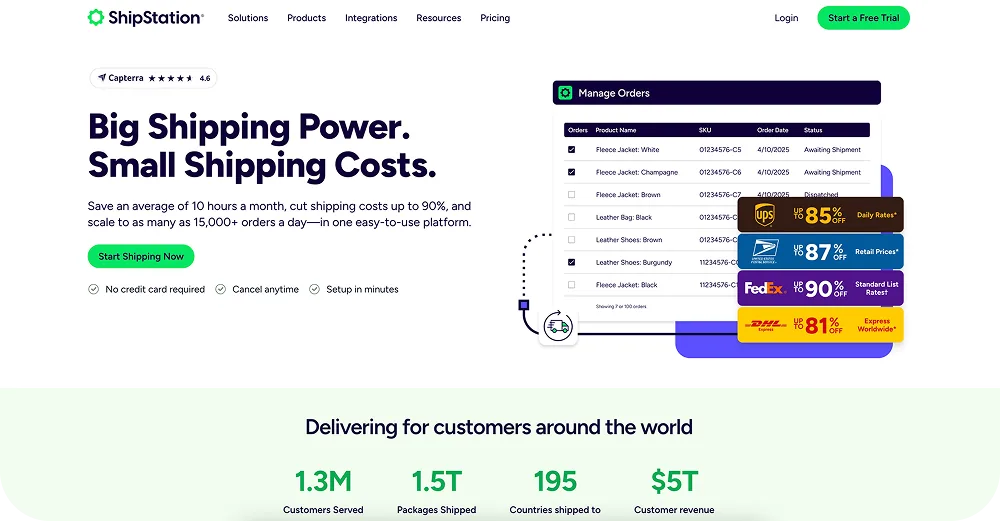
ShipStation
ShipStation manages multi-carrier shipping and fulfillment. Connecting it to HubSpot means order fulfillment status appears in the CRM, so support teams can answer "where is my order?" questions without leaving HubSpot.
AfterShip Tracking
AfterShip's tracking integration adds real-time shipment tracking data to HubSpot contact records. Agents see delivery status, estimated arrival dates, and any exceptions directly in the CRM.
"Where is my order?" is one of the highest-volume ticket types for ecommerce support teams. Having tracking data inside HubSpot, or better yet, using automated status notifications to reduce ticket volume entirely, is a significant efficiency gain.
Customer Service Integrations

Zendesk
For brands using Zendesk as their primary helpdesk alongside HubSpot as CRM, the integration syncs tickets, contacts, and conversation history. Support interactions in Zendesk appear in the HubSpot timeline, and CRM data appears in Zendesk tickets.
This prevents the classic problem of sales talking to a customer who has an open escalation with support, or marketing sending a promotion to someone mid-complaint.
Freshdesk
Freshdesk's HubSpot integration offers similar ticket-CRM syncing. For brands that chose Freshdesk over Zendesk (common for smaller teams), this integration bridges the gap between helpdesk and CRM data. See also: best Freshdesk integrations for ecommerce.

Gorgias
Gorgias is a helpdesk built specifically for ecommerce. Its HubSpot integration syncs customer data and ticket history. For Shopify-heavy brands already using Gorgias, this adds CRM context to support conversations. For alternatives to Gorgias, brands with complex warranty needs often look at dedicated claims platforms.
Analytics and Reporting Integrations
Google Analytics
Connecting Google Analytics to HubSpot brings website behavior data into the CRM. Marketing teams see which pages a lead visited, how they found the site, and what content they engaged with before converting.
For ecommerce, this helps attribute revenue to specific marketing campaigns and content pieces. Combined with returns analytics, brands get a full view from acquisition to post-purchase.
Databox
Databox aggregates data from HubSpot and other tools into unified dashboards. For ecommerce operations teams that need to see marketing metrics, sales data, support ticket volume, and return rates in one place, Databox is a practical solution.
Supermetrics
Supermetrics pulls data from HubSpot into Google Sheets, Excel, or BI tools. Useful for brands that need custom reporting beyond what HubSpot's native dashboards offer.
Automation and Workflow Integrations
Zapier
Zapier connects HubSpot to 5,000+ apps through no-code workflows. Common ecommerce Zapier automations with HubSpot:
- Create a HubSpot contact when a new Shopify order is placed
- Update deal stage when a subscription renews
- Send a Slack notification when a high-value customer submits a support ticket
- Add warranty claim data from Claimlane to HubSpot contact properties
Make (formerly Integromat)
Make offers more complex automation workflows than Zapier, with branching logic and multi-step scenarios. Better for brands with sophisticated operational workflows that connect multiple systems to HubSpot.
Operations Hub (Native)
HubSpot's own Operations Hub adds data sync, programmable automation, and data quality tools. For brands committed to the HubSpot ecosystem, this reduces the need for third-party automation tools.
Payment and Subscription Integrations
Stripe
Stripe's HubSpot integration syncs payment and subscription data to the CRM. For ecommerce brands with recurring revenue (subscriptions, memberships), this means lifetime value, payment status, and churn risk are visible in HubSpot.
PayPal
PayPal transaction data can flow into HubSpot via marketplace integrations or Zapier. Useful for brands that process a significant share of orders through PayPal.
How to Choose the Right HubSpot Integrations

Map Your Customer Journey
Before adding integrations, map the full customer journey from first touch to post-purchase. Identify which systems own each stage:
- Acquisition: Google Ads, social media, SEO
- Conversion: Ecommerce platform (Shopify, WooCommerce)
- Post-purchase: Shipping, returns, warranty claims
- Retention: Email marketing, CRM
Integrate the systems at each stage so HubSpot has complete visibility.
Prioritize Data That Changes Decisions
Not every data point needs to live in HubSpot. Focus on data that changes how teams interact with customers:
- Purchase history changes marketing segmentation
- Return frequency changes retention strategy
- Warranty claim status changes support approach
- Shipping delays change communication timing
Avoid Integration Overload
More integrations means more data, but also more complexity. Each integration needs maintenance: field mappings break, APIs change, data formats drift. Start with 3-5 core integrations and add more only when a clear business need arises.
Comparison: Top HubSpot Ecommerce Integrations
HubSpot Hubs for Ecommerce: Which Do You Actually Need?
HubSpot offers several "Hubs" and the naming can be confusing. Here's what matters for ecommerce:
- Marketing Hub: Email campaigns, ads, landing pages, SEO tools. Essential for growth-focused ecommerce brands.
- Sales Hub: Deal tracking, pipeline management, quotes. More relevant for B2B ecommerce or high-value DTC brands with consultative sales.
- Service Hub: Ticketing, knowledge base, customer feedback. Useful but often replaced by or integrated with a dedicated helpdesk (Zendesk, Freshdesk, Gorgias).
- Operations Hub: Data sync, automation, data quality. Increasingly important for brands connecting multiple tools to HubSpot.
- Commerce Hub: Payments, invoicing, CPQ. Newer and still evolving for ecommerce use cases.
Most ecommerce brands start with Marketing Hub and add Service or Operations Hub as they scale. The integrations in this guide work across all Hubs.



