
.webp)
If your finance team is constantly chasing approvals, reconciling mismatched invoices, or fixing spreadsheet errors, your purchase order management process probably isn’t working as well as it should.
Purchase orders are supposed to create control. Instead, in many companies, they create friction.
The truth is simple. Purchase order management sits at the center of procurement, financial control, supplier performance, and compliance. When it works, spending stays predictable. When it doesn’t, costs leak everywhere.
This guide breaks down the entire purchase order management process, from requisition to 3-way matching, including automation strategies, software options, ERP integration, KPIs, and best practices.
Claimlane fits naturally near the start of any purchase order management conversation because the PO process doesn’t end when a vendor ships, it ends when what you ordered is received, verified, and paid correctly.
Claimlane helps teams close that loop by turning delivery issues (short shipments, damage, wrong items, late deliveries) into structured, trackable cases tied back to the PO, supplier, and receipt.
Instead of chasing details across email threads, you get centralized documentation, photo and evidence capture, standardized claim forms, workflow-based assignment and approvals, status tracking with clear ownership, and reporting that highlights repeat offenders and root causes.
The result is fewer invoice disputes, faster discrepancy resolution, cleaner 3-way matching, and stronger supplier accountability, all without adding more manual work to procurement or AP.
What Is Purchase Order Management?
Purchase order management refers to the structured process of creating, approving, issuing, tracking, and reconciling purchase orders throughout the procurement lifecycle.
At a high level, it ensures that:
- Spending is authorized before it happens
- Suppliers are properly documented
- Goods and services are delivered as agreed
- Payments match approved orders
Where Purchase Orders Fit in the Procurement Process
The purchase order process sits between demand identification and payment. It connects operational needs with financial oversight.
Typical flow:
- Purchase requisition
- Budget approval
- Purchase order creation
- Vendor fulfillment
- Goods receipt
- Invoice matching
- Payment
Without formal PO management, this chain breaks quickly.
Purchase Order vs Purchase Requisition vs Invoice
These are often confused.
- Purchase Requisition: Internal request to buy something
- Purchase Order (PO): Official document sent to supplier
- Invoice: Supplier’s request for payment
Think of it like this. The requisition asks. The PO commits. The invoice bills.
Manual vs Automated Purchase Order Management
Manual PO management usually relies on:
- Email approvals
- Shared spreadsheets
- Paper documentation
- Disconnected accounting systems
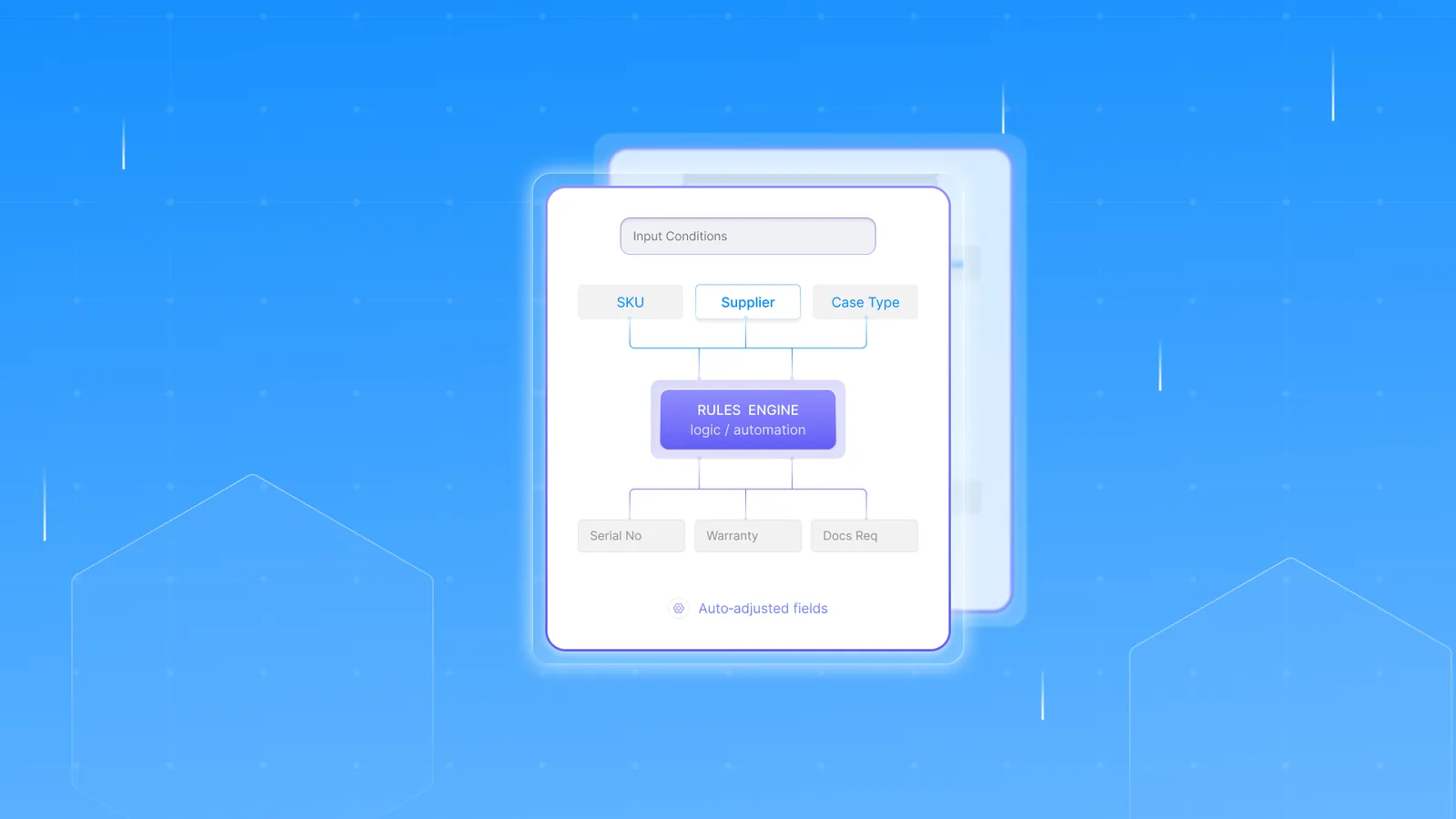
Automated PO management uses purchase order software integrated with ERP systems, routing approvals based on rules and syncing financial data automatically.
The difference is not convenience. It’s control.
The Complete Purchase Order Process Step-by-Step
Understanding the full procurement process clarifies where bottlenecks occur.
Step 1: Purchase Requisition Creation
The process begins internally.
An employee or department submits a purchase requisition. This includes:
- Description of goods or services
- Estimated cost
- Budget code
- Required delivery timeline
At this stage, budget verification happens. If funds are unavailable, the request stops here.
Purchase orders are only one part of keeping stock under control. Here's a guide to inventory management software for retail stores to help you manage the full picture.
Step 2: Vendor Selection & Supplier Management
Procurement teams evaluate suppliers based on:
- Pricing
- Delivery performance
- Contract terms
- Compliance requirements
Strong supplier management reduces risk and ensures contract alignment.
For recurring purchases, approved vendor lists simplify this step.
Step 3: PO Creation & Approval Workflow
Once approved internally, the purchase order is generated.
A well-designed order approval workflow includes:
- Unique PO numbering
- Department coding
- Authorization thresholds
- Multi-level approvals for high-value purchases
Automation ensures that POs above certain limits escalate automatically.
Step 4: PO Issuance to Vendor
The purchase order becomes a legally binding document once accepted by the supplier.
It includes:
- Item descriptions
- Quantities
- Pricing
- Delivery dates
- Payment terms
- Incoterms if applicable
At this point, expectations are locked in.
Step 5: Order Fulfillment & PO Tracking
Now execution begins.
PO tracking involves:
- Shipment monitoring
- Partial delivery management
- Backorder visibility
- Delivery confirmations
Without real-time tracking, delays and discrepancies multiply.
Step 6: Goods Receipt & 3-Way Matching
This is where financial control happens.
3-way matching compares:
- Purchase Order
- Goods Receipt
- Invoice
If all three match, payment is released.
If not, discrepancies are flagged for review.
Accounts payable automation significantly reduces matching errors and payment delays.
Key Components of an Effective PO Management System
A strong PO management system does more than generate documents.
Centralized PO Database
All purchase orders live in one location. That means:
- Real-time visibility
- Audit trails
- Easy document retrieval
- Reduced duplication
No more version confusion.
Automated Approval Workflows
Rule-based routing ensures:
- Faster processing
- Reduced bottlenecks
- Compliance with authorization policies
Escalation triggers prevent requests from sitting idle.
ERP Integration
ERP integration connects purchase order management to accounting, inventory, and financial reporting systems.
Benefits include:
- Real-time budget updates
- Automatic ledger entries
- Reduced manual reconciliation
Disconnected systems create data silos. Integration eliminates them.
If you're running on Shopify, inventory management has its own set of tools. Check out the best Shopify inventory management systems for 2026.
Reporting & Analytics
Advanced PO management software offers:
- Spend analysis dashboards
- Vendor performance tracking
- Budget forecasting tools
Procurement becomes strategic instead of reactive.
Benefits of Automating Purchase Order Management
Improved Financial Control
Automation enforces:
- Budget validation
- Approval limits
- Duplicate PO detection
- Fraud prevention controls
No purchase should bypass policy.
Faster Procurement Cycles
Manual approval chains slow down operations.
Automated PO workflows cut approval times dramatically.
Error Reduction & Compliance
Common errors include:
- Duplicate orders
- Incorrect pricing
- Missing approvals
Automation reduces these risks while creating a complete audit trail.
Increased Supplier Transparency
When POs, invoices, and communication are centralized, supplier relationships improve.
Everyone sees the same data.
Common Purchase Order Management Challenges
Even mature companies struggle with:
- Maverick spending
- Approval bottlenecks
- Spreadsheet dependency
- Invoice discrepancies
- Data silos
- Poor supplier communication
Most of these stem from fragmented systems.
Purchase Order Management Software: What to Look For
When evaluating purchase order software, focus on structure, not just interface.
Core Capabilities
Look for:
- Automated requisition workflows
- PO generation and numbering
- 3-way matching
- Vendor management tools
- Spend reporting
Customization & Scalability
Your system should scale with:
- Growing transaction volume
- Multi-entity operations
- International suppliers
Rigid systems become constraints.
Integration Capabilities
Critical integrations include:
- ERP systems
- Accounting software
- Inventory platforms
- Accounts payable automation tools
Disconnected systems erase efficiency gains.
Security & Compliance
PO management involves financial controls.
Ensure:
- Role-based access
- Audit logging
- SOC or ISO compliance if required
Top Purchase Order Management Systems in 2026
Leading platforms include:
Enterprise organizations often choose ERP-native systems. SMBs may prefer lightweight cloud platforms.
Key evaluation factors include integration depth, pricing transparency, and workflow flexibility.
Purchase Order Management vs Procurement Management
Procurement management is broader.
It includes:
- Strategic sourcing
- Supplier negotiations
- Contract management
- Spend strategy
Purchase order management focuses specifically on transactional control and execution.
Think of procurement as strategy. PO management as execution control.
Best Practices for Optimizing Purchase Order Management
- Standardize approval workflows
- Define clear procurement policies
- Enforce budget controls automatically
- Use supplier scorecards
- Conduct quarterly audits
- Monitor KPI trends
Structure drives efficiency.
KPIs to Measure Purchase Order Performance
Key metrics include:
- PO cycle time
- Approval turnaround time
- Cost per PO
- Invoice match rate
- On-time supplier delivery rate
- Spend under management
Without measurement, improvement is guesswork.
Industry-Specific Considerations
Manufacturing
- Raw material tracking
- Long supplier lead times
- Production scheduling dependencies
Retail & Ecommerce
- Seasonal purchasing spikes
- Inventory turnover pressure
Healthcare
- Strict compliance requirements
- Vendor credentialing
Construction
- Project-based purchasing
- Change order management
Each industry introduces unique PO management complexity.
How ERP and Accounting Systems Impact PO Management
ERP integration defines maturity.
For example:
- SAP enables automated approval hierarchies tied to cost centers
- NetSuite syncs POs directly with financial reporting
- QuickBooks offers basic PO tracking but limited workflow automation
Poor synchronization creates reconciliation risk.
Connecting your ERP to your storefront is key for accurate purchase orders and stock levels. Here's how the Business Central and Shopify integration works in practice.
The Future of Purchase Order Management
Expect rapid advancement in:
- AI-driven spend forecasting
- Predictive supplier risk analysis
- Blockchain-based contract validation
- Autonomous approval routing
- Real-time supply chain visibility
Procurement is becoming data-driven and predictive.
Frequently Asked Questions
What is purchase order management?
It is the structured process of creating, approving, issuing, tracking, and reconciling purchase orders within procurement operations.
What is the difference between a PO and an invoice?
A purchase order authorizes spending. An invoice requests payment.
What is 3-way matching?
It compares the purchase order, goods receipt, and invoice before payment approval.
How long does the purchase order process take?
Manual processes can take days. Automated workflows often reduce this to hours.
Is purchase order management part of accounts payable?
It overlaps, but PO management begins before accounts payable.



