

Create Webshipper return labels straight from a case
Returns and warranty claims need a label fast. Claimlane creates Webshipper labels straight from the case.



















How the Webshipper integration works
Labels
Create return and replacement labels
Generate Webshipper return and replacement labels from a case, with the right service and address already filled in.
Automation
Create labels by your rules
Create labels automatically based on carrier, country or case type, with no manual steps.
Self-service
Let customers self-serve returns
Customers submit returns and warranty claims through a branded portal, and the label is ready for them.
One place
Resolve the whole case
Add tracking to the case, keep customers updated, then issue refunds or replacements from inside Claimlane.
How the Webshipper integration works
1
Connect Webshipper to Claimlane.
2
Customers submit returns and warranty claims through your portal.
3
Claimlane creates the Webshipper return or replacement label.
4
Tracking is added to the case and sent to the customer.
5
Your team resolves refunds or replacements from one place.
By streamlining and automating our support workflows in Claimlane, we not only accelerated our customer service response times but also enhanced the overall system experience, internally and externally.

Mikael Houlst Stausholm
Sales Director, Konges Sløjd
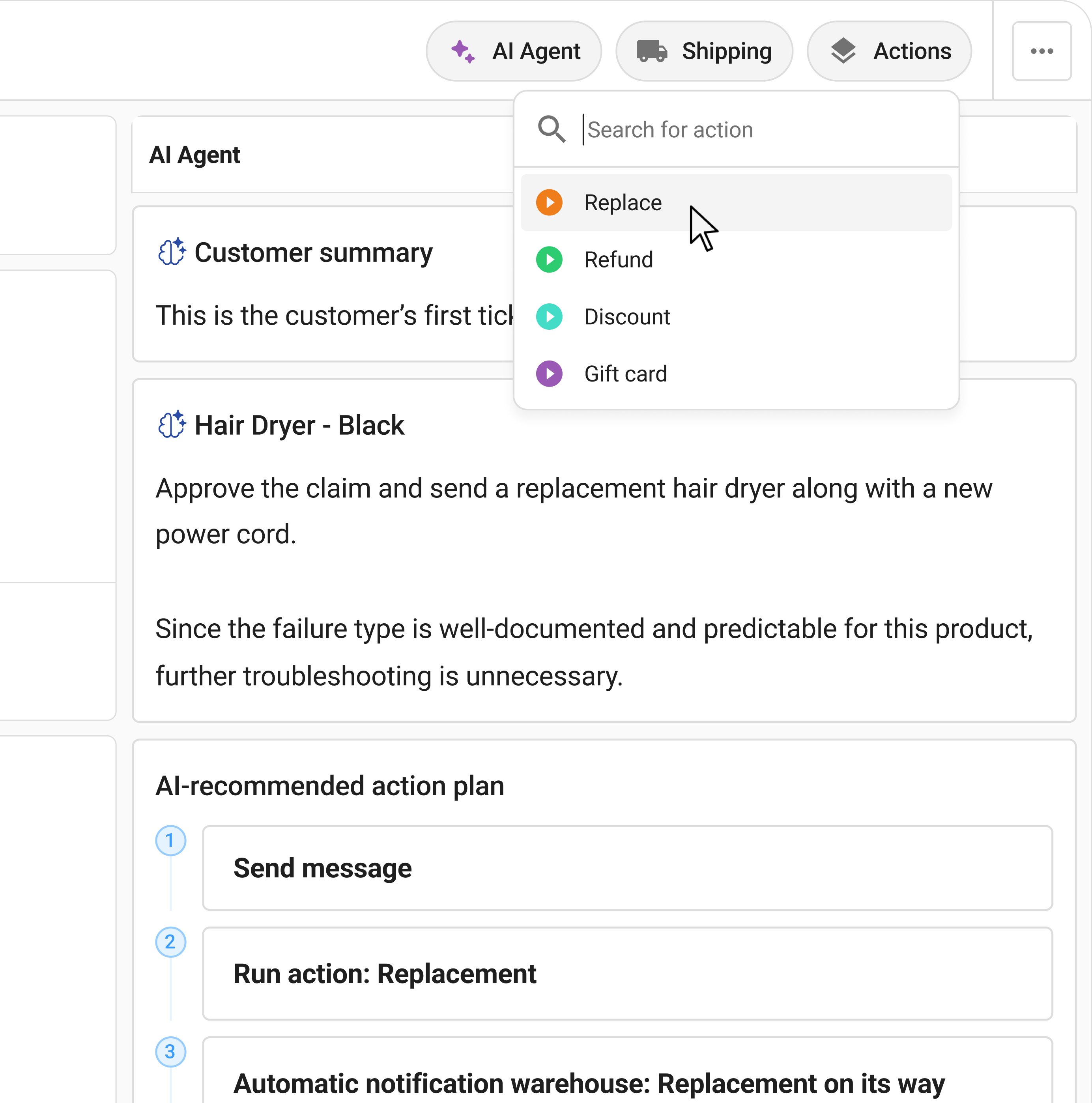
Solve warranty claims, insanely fast
Let customers self-serve their issues, resolve tickets with AI agents, and execute automations through deep integrations with your systems.